How to See Deleted YouTube Videos Without Backup
What You Can Still Recover
- A playable video, if an archive, the creator, or another legitimate source kept a copy. You do not need your own backup, but a copy must still exist somewhere.
- The title, channel, thumbnail, or description, even when the video file is gone. These clues can help you locate another upload, but they are not the video itself.
- Nothing playable, if no accessible copy survives. A deleted-video finder, browser extension, or new export cannot guarantee otherwise.
An old playlist entry goes blank. A tutorial you saved now says it is unavailable. Before you install a recovery app, work out whether you need to identify the missing video, locate another copy, or restore a file you once owned. Those are three different jobs.
You can sometimes see deleted YouTube videos without a backup by finding a copy elsewhere. You cannot count on an undo button: YouTube says videos you delete are permanently deleted. The steps below help you follow useful leads without mistaking a thumbnail or an archived page for a recovered recording.
Build conversation on your videos.
Real YouTube comments that drive watch time and boost engagement signals.
Start with what you still have
Choose the route that matches your situation. If the page only says “unavailable,” check the message before assuming deletion: a private upload, a viewing restriction, and a deleted upload need different responses.
| What you have | Start here | What a useful result looks like |
| The old video link | Check archived versions, then search its video ID. | A playable archive, an identifiable title, or another upload. |
| A title, creator, or rough memory | Search those clues together and check old shares. | The original link or an identifiable replacement. |
| A private-video message | Ask the owner for access. | Permission to watch, not a recovery workaround. |
| Your own deleted upload | Check original files, exports, and collaborators. | An actual media file you can open. |
A video missing from channel search may simply be unlisted. BuzzVoice’s explanation of unlisted YouTube videos covers the distinction: an unlisted upload can still be watched with its link, while a private one requires access from the owner. Neither status means the file has been deleted.
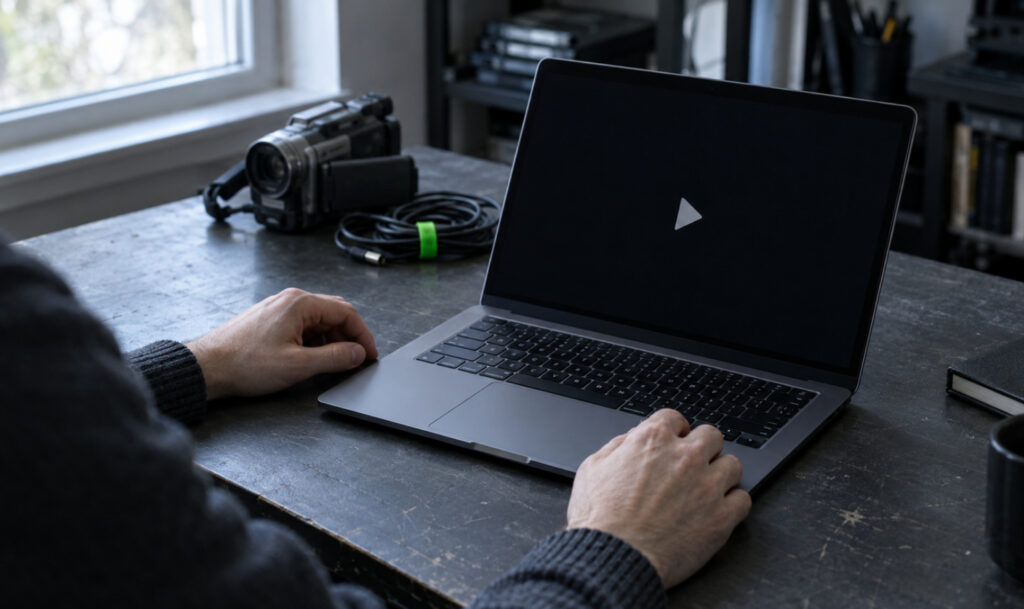
Find the old link before searching for a copy
The original address is usually your most useful clue. Even if it opens an error page, save it before you remove a broken bookmark or playlist entry.
Look in these places, starting with records you control:
- Browser history and bookmarks: search around the date you watched the video, using the channel name or a few words from its title.
- Messages, emails, and shared posts: check conversations where you sent or received the video. An old notification may retain useful title text.
- Playlists and watch history: inspect any entry that remains, but do not assume a deleted video will still be listed or identifiable.
- Blogs, course notes, and forum discussions: an old embedded player or citation may preserve the original link even when playback fails.
Keep the video ID, not the extra tracking details
In a normal watch-page link, the video ID is the value immediately after “v=”. Copy that value up to the next “&”, if one appears. A short share link has the ID after its final slash; a Shorts address has it after “/shorts/”.
Keep the exact capitalization, numbers, underscores, and hyphens. Do not confuse the video ID with a playlist ID or channel ID, and keep the complete original link alongside it so you can check your work.
Search Google for that ID, then inspect useful results rather than expecting an instant download. A discussion quoting the old title can be valuable even when it contains no playable video.
Check whether an archive saved the video or just its page
The Wayback Machine is a reasonable place to check an old public video link. The important question is not simply whether it has a capture, but what that capture contains.
- Open the Wayback Machine and paste the original video address into its URL search field. Use the address, not only the video title.
- If captures appear, choose one from before the video disappeared. Try another available capture if the first is incomplete.
- Read the saved title, channel name, and description. Keep any useful details for a broader search.
- Test the player. Confirm that it actually plays the expected content rather than showing a static thumbnail, a loading indicator, or an error.
An archived watch page and an archived media file are different things. The surrounding page may survive while the player still depends on a video that is no longer available. A calendar date does not prove that the recording was saved.
If only the page loads, treat that as an identification lead, not a successful recovery. Search the recovered title with the creator’s name, or look for an official replacement upload. If no capture exists, move on rather than repeatedly submitting the same address.
Hit the monetization threshold.
Real watch time hours that count toward your YouTube Partner Program eligibility.
No link? Reconstruct the title and creator
Start with the most distinctive detail you remember, not just the broad topic. A tutorial about a specific camera problem, a speaker’s name, an event, or an unusual phrase gives you a better lead than “old YouTube video.”
For example, someone looking for a missing camera tutorial could try these combinations, replacing the placeholders with their own clues:
- Creator name + camera model + microphone problem.
- Remembered title fragment + tutorial + approximate year.
- Event name + speaker name + presentation topic.
Try the likely channel’s current uploads as well as a general web search. The creator may have republished an updated version with a different title. Check their own website and other official profiles before moving to community discussions.
If you remember the channel but not the video, an archived channel page may help identify older titles. A saved channel listing is still only a lead: finding the title there does not establish that its video was archived too.
Check another upload carefully
A matching title is not enough. Compare the creator, approximate length, subject, opening moments, and any distinctive details you remember. A short excerpt, commentary video, or reaction is not the complete original.
Prefer a replacement published by the original creator or another authorized source. Do not assume that a reupload is authorized just because it is searchable, and do not republish recovered material without permission.
Old blog embeds are useful for tracing titles and links, but they are not independent backups of the YouTube file. If the embedded player points to the same deleted upload, opening it on a different website will not bring that upload back.
Ask the creator with enough detail to help
A direct request may be more useful than another round of tool searches. Keep it brief, identify the video, and let the creator decide whether they want to share it again.
| Hi, I’m looking for your video about [specific topic], which I watched around October. The title may have been [title], and I still have the old link if that helps. Is there a replacement upload or a copy you are comfortable sharing? I understand if you removed it intentionally. |
Use a contact route the creator has made public. If they removed the video for privacy, safety, or personal reasons, respect that choice rather than trying to bypass a private setting or pressuring them for a file.
If you deleted your own upload
Your best lead may be outside YouTube altogether. “I did not make a backup” does not always mean every original is gone: the finished export could still be on an editing computer, an old phone, a camera card, or a collaborator’s drive.
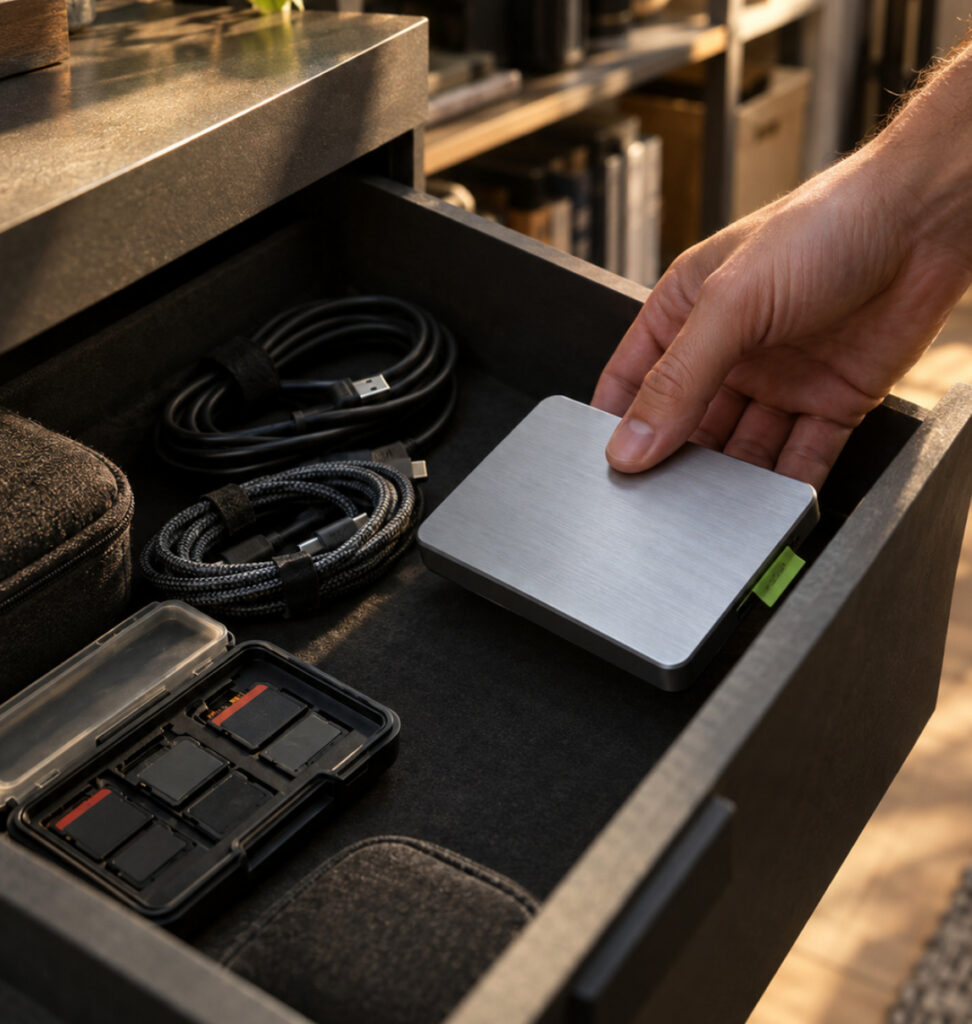
Look for the original recording and finished export
Search devices and cloud folders you used during production. Check your computer’s trash, your phone’s recently deleted folder, email attachments, shared project folders, and any export archive created before deletion.
Try the project name as well as the published title, and inspect likely video files such as MP4 or MOV. An editing project file may contain instructions and references rather than the actual footage, so confirm that its source media still exists before assuming you can export it again.
If someone edited, captioned, or approved the video, ask whether they retained the finished version. A collaborator’s copy can solve the problem even when your own storage is empty.
Understand the limits of recovery software and Takeout
Local recovery software addresses a file deleted from a device or storage card you control. It does not retrieve a stranger’s video from YouTube’s servers, and it has nothing relevant to recover from your drive if the recording was never stored there.
If a valuable original was recently deleted from local storage, avoid adding new files to that device while you consider recovery options. Do not install software onto the same affected drive as a first reaction; successful recovery is not guaranteed.
An older Google Takeout export is worth checking if you already made one. A new export is not a deleted-video restore feature: Google’s export guidance excludes data being deleted and warns that information deleted from its storage systems is unlikely to be recoverable. Export the uploads that remain for future protection, not as a promise of recovering one you already deleted.
Treat a YouTube removal differently from your own deletion
If YouTube removed your content, read the notice in Studio or your email and follow the process for that specific reason. For a mistaken Community Guidelines removal, use YouTube’s official appeal process. YouTube warns that deleting the video does not resolve a strike and can prevent another appeal; do not delete it as a troubleshooting step.
A copyright issue or compromised account needs its own official support route. None of these processes establishes a general restoration window for videos you voluntarily deleted, and a channel’s subscriber count does not guarantee recovery.
Avoid dead ends and recovery promises
Before paying or installing anything, ask what the method can actually access. A service that displays a title or thumbnail has found metadata, not necessarily a playable copy.
| Claim or shortcut | The useful reality check |
| “This tool can recover any deleted video.” | Ask where the media file would come from. No surviving copy means there is nothing for a finder to retrieve. |
| “An embedded player means the video is saved.” | An embed can still depend entirely on the original, now-unavailable upload. |
| “A downloader will restore the old link.” | A downloader needs accessible media. It cannot make a deleted file reappear by changing the link format. |
| “You watched it, so it must be on your device.” | Watch history and browser traces are not reliable copies of a complete video. |
| “Pay first to unlock the recovered file.” | Do not treat a thumbnail, progress bar, or recovery percentage as proof that the video exists. |
Do not give a recovery site your Google password, verification codes, or unrestricted account access. Stop if it requires disabling security software or installing an unrelated browser extension just to reveal a search result.
Know when to stop searching
You have followed the main practical routes when you have checked the original link, available archive captures, title and creator searches, legitimate replacement uploads, and creator contact. For your own video, add original-device and collaborator checks.
If these produce only references and no playable copy, you may be able to identify the video without ever watching it again. Keep the title and link in case a replacement appears later, but do not confuse more searches with evidence that recovery is possible.
Frequently Asked Questions
Is there a Wayback Machine specifically for YouTube?
The Wayback Machine archives web pages, including some YouTube pages; it is not a complete backup of YouTube. A saved title or thumbnail is useful for identification, but only a preserved, playable media copy lets you watch the recording.
Can I find the title of a deleted video in a playlist?
Sometimes. If the playlist entry still exposes a link, keep its video ID and search for older references or archived pages. A placeholder alone may not retain the title, and a saved playlist does not guarantee that every video in it was preserved.
Will a YouTube Premium download still work after deletion?
Do not rely on it as a permanent backup. YouTube’s offline-viewing guidance says a video that is no longer available for offline playback is removed from the device during the next sync. An in-app download is not equivalent to an independent original file you keep.
Can you see deleted YouTube videos on a phone?
You can try browser history, saved messages, title searches, and web archives from a phone. A computer may make it easier to inspect long links and compare archive captures, but neither device can play a video when no accessible copy survives.

BuzzVoice
BuzzVoice is the best place to go when you need instant engagement services on social media. Offering a wide variety of packages for Instagram, Youtube, Facebook, Twitter, Soundcloud & Tiktok.