What’s the Ideal Facebook Post Size? A 2026 Guide
What’s the Ideal Facebook Post Size? Discover updated Facebook image sizes, video dimensions, ad specs, story sizes, and more to boost your social media success.
In 2026, Facebook will continue to prioritize high-quality visuals across feeds, stories, and ads. If you’re not optimizing your post dimensions correctly, you risk blurry images, awkward crops, and lower engagement.
This guide breaks down all you need to know about Facebook image sizes, video dimensions, ad specs, and more, with the freshest updates for this year, using Buzzvoice’s services to increase your status and engagement levels on your social media accounts.
Looking to boost your views and reach more followers without waiting for the algorithm to catch up? With BuzzVoice, you can instantly promote your content!
Why Post Size Matters on Facebook in 2026
Choosing the right post size isn’t just about aesthetics — it directly impacts your performance on Facebook.
In 2026, when competition for attention is fiercer than ever and users spend only a few seconds deciding whether to engage with a post, getting your sizing right can be the difference between success and invisibility.
Adhering to recommended Facebook post dimensions, such as 1200 x 630 pixels, ensures optimal visibility and engagement by avoiding pixelation and ensuring quick load times.
Facebook’s algorithm also favors posts that generate immediate positive engagement. High-quality, correctly sized visuals are more likely to earn likes, shares, comments, and clicks — all of which signal to Facebook that your content deserves wider reach, both organically and through paid promotions.
Here’s how post size directly impacts your Facebook success:
Visibility In-Feed
In 2026, Facebook’s algorithm favors content that provides the best user experience, and that includes how your post looks in the feed. With most Facebook traffic coming from mobile users, your post needs to dominate the screen to grab attention.
Using the correct Facebook cover photo dimensions ensures that your cover photos are displayed properly across devices, enhancing user engagement and promotion on your Facebook page.
Posts with optimal dimensions:
- Take up more space on mobile screens (where most users are).
- Grab attention faster with bold, full-size visuals.
- Avoid awkward gaps or black bars around images and videos.
Avoiding Blurry or Cropped Images
When you upload images or videos that don’t match Facebook’s specifications, the platform automatically resizes or compresses them, often resulting in blurry visuals or awkward crops.
Important parts of your creative, like text overlays, faces, or product shots, can be cut off or distorted. Following image guidelines is crucial to avoid issues like pixelation and improper cropping.
Uploading media at the wrong size can lead to:
- Pixelated or blurry images (due to Facebook’s auto-scaling and compression).
- Important parts of your visuals are being cut off, especially on mobile.
- A poor brand impression and lower credibility.
Better Ads + Organic Content Performance
Ad performance is directly tied to how good your creative looks. Meta’s latest ad study shows that creatives built specifically for feed dimensions get up to 34% better engagement compared to resized or poorly adapted content.
It’s also crucial to use the correct image sizes for Facebook Business Pages to ensure professional and engaging visuals. Facebook’s advertising platform favors creatives that are correctly sized and load quickly. Well-sized images and videos:
- CTR (Click-Through Rate): Clearer, properly sized ads get clicked more often.
- CPM (Cost Per 1000 Impressions): Facebook rewards high-quality ads with lower costs.
- Engagement Rates: Well-sized organic posts naturally earn more likes, comments, and shares.
Recommended Facebook Image Sizes for Posts (2026)
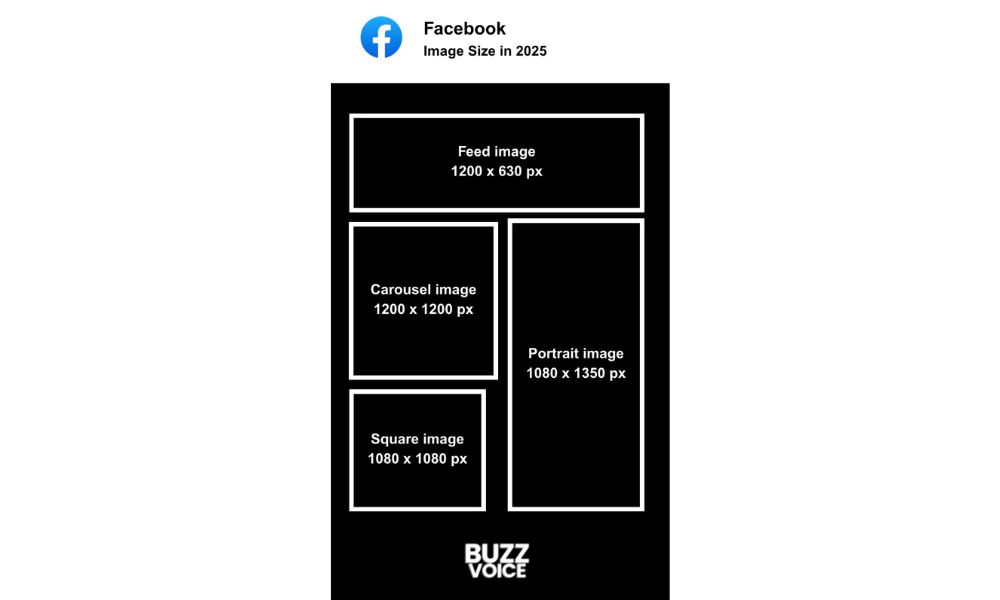
Here’s a breakdown of the recommended image sizes for 2026, along with examples to inspire your strategy:
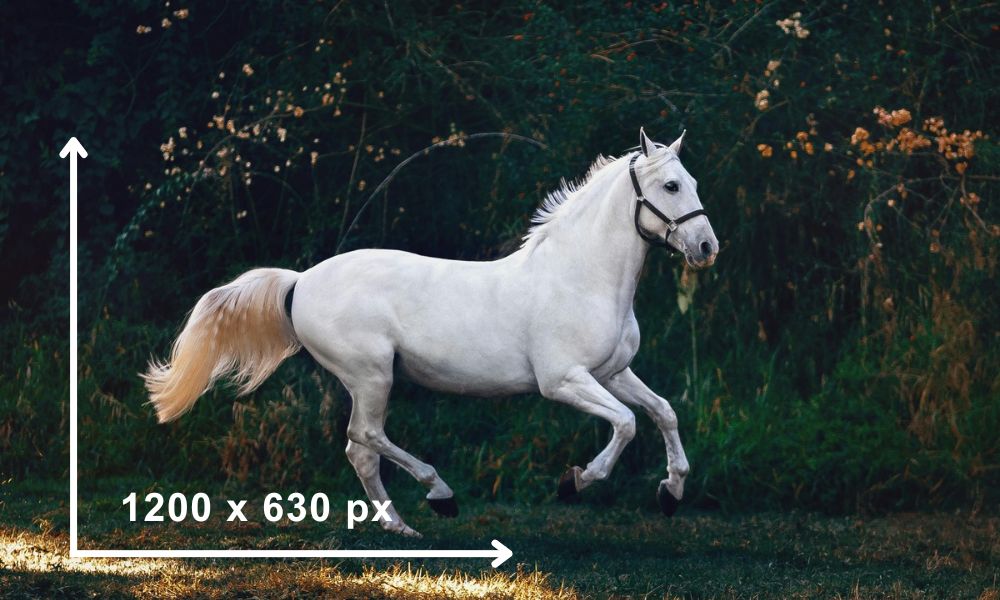
Standard Feed Image: 1200 x 630 px
- Recommended Size: 1200 x 630 pixels
- Aspect Ratio: 1.91:1
- Best Use: Link previews, blog shares, general announcements.
Square Image: 1080 x 1080 px
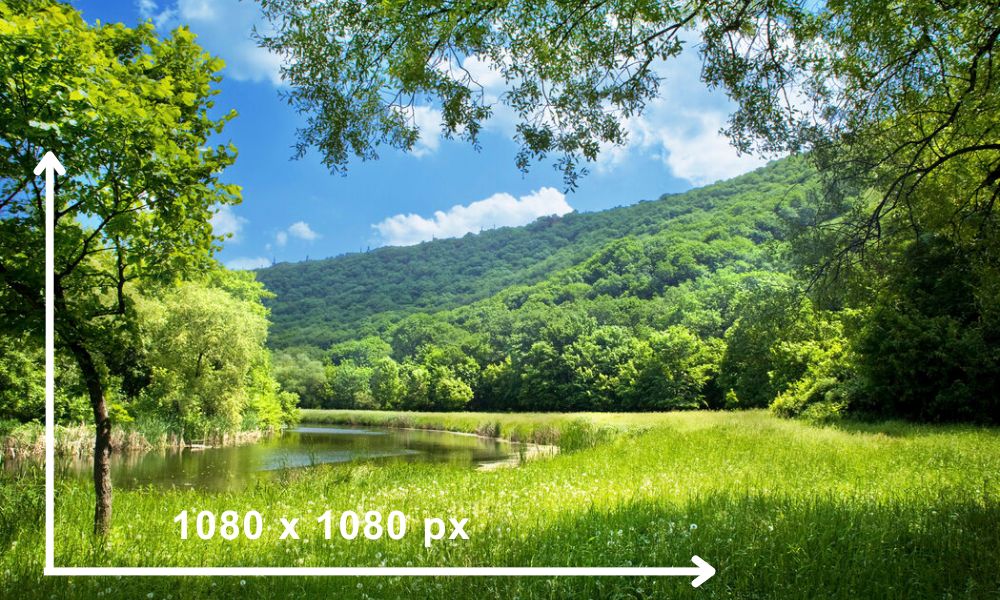
- Recommended Size: 1080 x 1080 pixels
- Aspect Ratio: 1:1
- Best Use: Product posts, quotes, testimonials, giveaways.
Tip: Square posts are the most versatile — they look great on both desktop and mobile feeds.
Portrait Image: 1080 x 1350 px
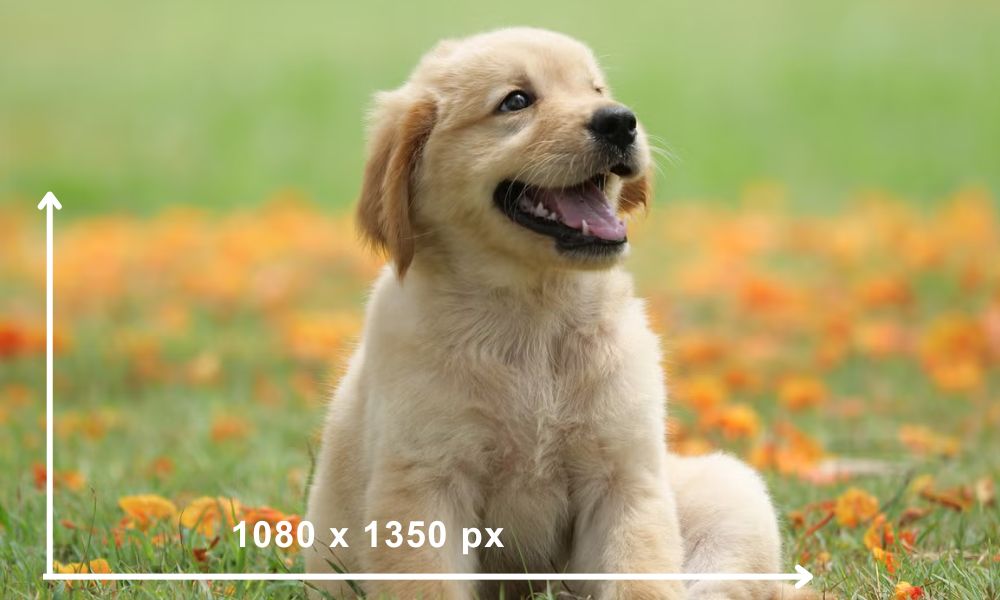
- Recommended Size: 1080 x 1350 pixels
- Aspect Ratio: 4:5
- Best Use: Lifestyle imagery, storytelling, promotions targeting mobile users.
Tip: Portrait posts take up more vertical space in mobile feeds, helping you stand out without feeling intrusive.
Carousel Posts: 1080 x 1080 px (per image)
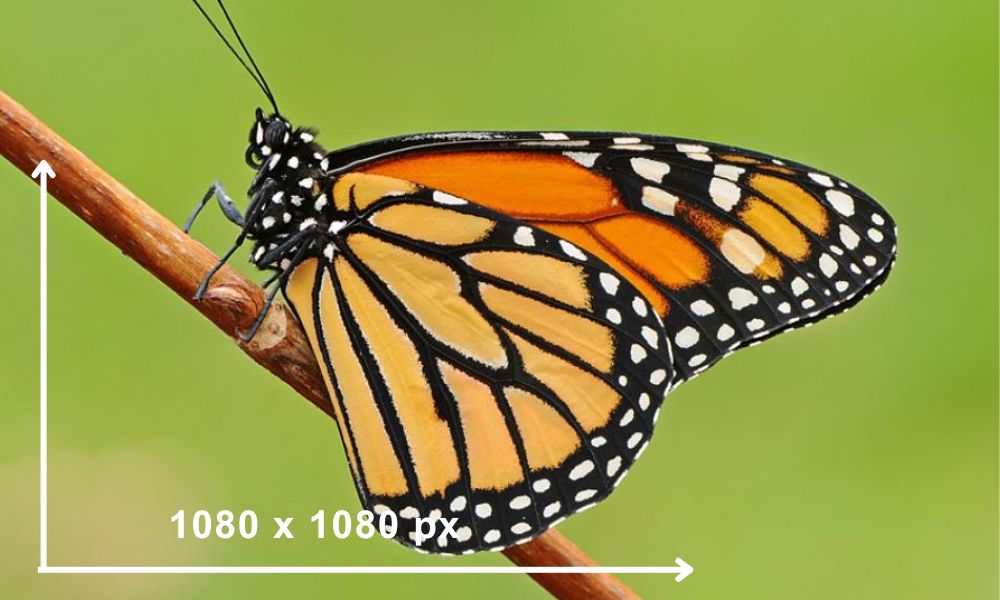
- Recommended Size: 1080 x 1080 pixels per card
- Aspect Ratio: 1:1
- Best Use: Showcasing product features, step-by-step tutorials, or multiple related offers.
Tip: Use the first image as the “hook” — a powerful visual that makes users want to swipe through the carousel.
Facebook Event Cover Photo: 1200 x 628 px
- Recommended Size: 1200 x 628 pixels
- Aspect Ratio: 1.91:1
- Best Use: Event promotion, ensuring effective communication of event details.
Tip: Adhere to Facebook’s guidelines to maintain optimal visibility and presentation on various devices.
Facebook Group Cover Photo: 1640 x 856 px
- Recommended Size: 1640 x 856 pixels
- Aspect Ratio: 1.91:1
- Best Use: Group identity, ensuring visibility on both desktop and mobile devices.
Tip: Use a centrally aligned image to ensure it looks good as a thumbnail in search results.
Best Formats: JPG and PNG
- JPG: Best for photographs and colorful visuals. Facebook’s compression works well with high-quality JPGs.
- PNG: Ideal for graphics, logos, icons, or any image where you need to preserve crisp text and transparency.
Tip: Keep image file sizes optimized (preferably under 100 KB) for faster loading without sacrificing quality.
Facebook Stories Image Size
Facebook Stories allow users to share photos and videos that disappear after 24 hours, making them perfect for timely updates and engaging content. The recommended Facebook Story image size is 1080 x 1920 pixels, with an aspect ratio of 9:16.
When creating Facebook Stories, it’s essential to keep in mind that certain interface elements, such as the profile photo, page or profile name, play/pause button, mute/unmute button, and settings menu icon, will appear at the top of the Stories. To avoid obstructing important elements, it’s best to keep the top and bottom areas of the image free from text and logos.
Facebook Threads Post Image Size
The recommended image size for Facebook Threads posts is up to 1080 x 1350 pixels for vertical images, with an aspect ratio of 4:5, and 1.91:1 for horizontal images. To ensure optimal display, it’s best to use high-quality images with a minimum width of 600 pixels.
Facebook Video Sizes & Specs (2026)
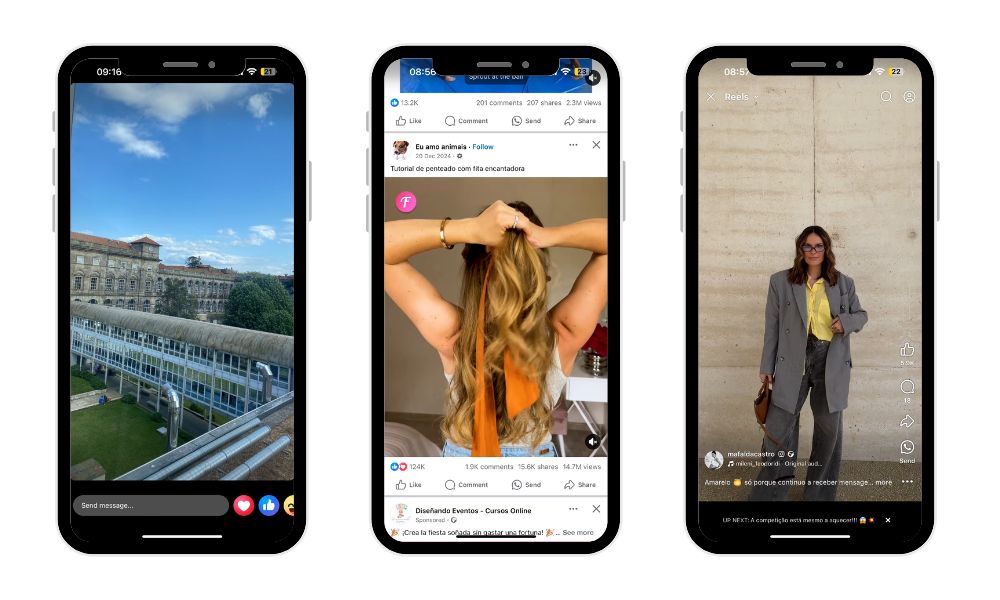
Videos are more important than ever on Facebook in 2026. Whether you’re posting on your feed, creating stories, or sharing Reels, using the correct video sizes and settings ensures your content looks professional, loads fast, and drives better engagement.
Here’s everything you need to know:
Feed Video: 4:5 or 1:1, Up to 240 Minutes
Recommended Aspect Ratios:
4:5 (Vertical/Portrait): 1080 x 1350 pixels
1:1 (Square): 1080 x 1080 pixels
Maximum Length: 240 minutes
Best Use: Ideal for tutorials, interviews, behind-the-scenes content, and longer storytelling videos.
Tip: Shorter videos (1–3 minutes) still perform better for feed engagement despite the 240-minute limit.
Reels (Vertical): 9:16 (1080 x 1920 px)
Recommended Size: 1080 x 1920 pixels
Aspect Ratio: 9:16 (full vertical)
Tip: Use bold captions and trending audio to boost visibility on Reels.
Stories: 9:16 (1080 x 1920 px)
Recommended Size: 1080 x 1920 pixels
Aspect Ratio: 9:16 (full vertical)
Tip: Keep text and important elements inside the center “safe zone” (around 1080 x 1420 px) to avoid cropping at the edges.
Recommended File Types, Max File Size, and Bitrate
File Types:
MP4 (preferred)
MOV (also accepted)
Max File Size:
4 GB for all standard video uploads
Recommended Video Settings:
Bitrate:
Regular videos: 4 Mbps – 8 Mbps
1080p videos: 8 Mbps
Frame Rate: 30 fps (frames per second) or lower
Audio: AAC audio compression, 128 kbps+ preferred
Pro Tip:
Always upload in the highest resolution possible within the file size limits to maintain crispness after Facebook’s compression.
Facebook Ad Sizes & Recommendations
Running ads on Facebook in 2026 means competing in a busy feed. Using the correct ad sizes ensures your creatives look polished and perform better in CTR and conversions.
Feed Ads
Recommended Size: 1080 x 1350 px (4:5 ratio)
Best Use: Direct response campaigns, promotions, and lead generation.
Tip: Keep text short — less than 20% of the image — for maximum reach. Also, ensure your business page cover photo is the correct size to maintain professional and engaging visuals for ads.
Right Column Ads
Recommended Size: 1200 x 1200 px (1:1 ratio)
Best Use: Desktop-only visibility, retargeting, brand awareness.
Example:
Use a simple logo plus tagline for branding — minimal text, strong visuals.
Tip: Right-column ads work best for remarketing existing visitors.
Stories Ads
Recommended Size: 1080 x 1920 px (9:16 full screen)
Best Use: Flash promotions, app downloads, quick product showcases.
Tip: Story ads should feel native, authentic, quick, and engaging.
Carousel Ads
Recommended Size (per image): 1080 x 1080 px
Best Use: Showcase multiple products, features, or steps in a process.
Tip: The first image should immediately hook users to swipe right.
Specs and Examples
|
Ad type |
Recommended size |
Aspect Ratio |
Ideal Content |
|
Feed |
1080 x 1350 px |
4:5 |
Sales, lead ads |
|
Right Column |
1200 x 1200 px |
1:1 |
Retargeting ads |
|
Stories |
1080 x 1920 px |
9:16 |
Flash sales, quick promos |
|
Carousel |
1080 x 1080 px |
1:1 |
Multi-product showcases |
Formats: JPG, PNG, or MP4 for video ads.
File size limit: 30MB for images, and 4GB for videos.
Facebook Cover Photo & Profile Image Sizes
First impressions matter. In 2026, your Facebook profile visuals need to be sharp, well-sized, and mobile-friendly.
Facebook Cover Photo
Desktop Size: 820 x 312 px
Mobile Size: 640 x 360 px
Best Use: Brand banners, event promotions, campaign launches.
Tip: Use the center to ensure important elements aren’t cut off on the mobile version. Using the correct Facebook cover photo size ensures optimal display across devices.
Profile Photo
Recommended Size: 170 x 170 px (desktop display)
Best Use: Logos for brands or clear headshots for personal profiles.
Tip: Keep backgrounds simple for clarity at small sizes. The recommended Facebook profile picture size is 320 x 320 pixels to maintain quality.
Safe Zones to Avoid Cropping Text
Keep crucial text and logos in the middle 640 px area of the Facebook cover photo.
Avoid placing important details near the edges — they may get cut off on mobile displays.
Design Tips to Avoid Compression & Quality Loss
Facebook automatically compresses images and videos. Smart design can help you preserve your content’s quality.
Keep Text in the Center
Following image size guidelines for platforms like Instagram and Bluesky can also help avoid issues like pixelation and improper cropping.
Avoid Small Fonts on the Cover or Story Graphics
Tiny text gets destroyed by Facebook’s compression algorithms. Stick to bold, large fonts that remain readable even after compression.
Use Tools Like Canva or Adobe Express
Platforms like Canva and Adobe Express offer ready-to-use Facebook templates optimized for 2026 specs — no guesswork needed.
Tip: Start with a template and adjust to your brand style to save time.
Tools to Create Facebook-Optimized Content in 2026
Creating optimized content for Facebook in 2026 requires the right tools to ensure your posts, ads, and stories are visually compelling and correctly sized.
Canva, Figma, and Adobe Express
These platforms provide user-friendly design solutions that allow both beginners and professionals to create high-quality Facebook content. Canva offers a vast library of templates tailored to Facebook’s specifications, making it easy to create engaging posts, stories, and ads.
Figma is perfect for team collaborations, allowing seamless design of Facebook content and real-time feedback.
Adobe Express provides quick design features and templates ideal for social media, with options to customize content to match your brand’s style.
Facebook Ads Manager Preview
Before publishing your Facebook ads or posts, the Facebook Ads Manager Preview lets you preview your content across different devices to ensure that it appears as intended. This helps prevent any issues with cropping or quality loss, ensuring that your designs look their best.
AI Design Tools
AI-powered tools like Looka and Jasper Art provide automated solutions for image generation, resizing, and design suggestions. These tools save time while helping you create unique and optimized visuals, keeping your Facebook content fresh and aligned with best practices.
Using these tools in combination will help you efficiently create Facebook content that’s visually appealing, responsive, and perfectly sized for maximum engagement.
Conclusion
Keeping a simple content style guide and staying updated with Facebook’s latest specs helps maintain consistency, avoid quality loss, and adapt quickly to platform changes. Maintaining a content style guide helps ensure that every image, video, and ad stays consistent with your brand identity, making your presence more recognizable and trustworthy across Facebook. One effective way to boost visibility and engagement is to buy Facebook post likes, which can give your content an initial push and attract more organic interactions.
Staying updated with Facebook’s latest specs is equally crucial. With constant platform changes, what looked perfect last year might appear cropped, blurry, or outdated today. Following new size guidelines keeps your posts optimized for visibility on both desktop and mobile, maximizing engagement.
A quick review can save you from costly mistakes — and help your content perform at its best. BuzzVoice can assist you in refining your content strategy for increased engagement and revenue if you want to grow on Facebook.
FAQ
What is the best Facebook post size for engagement in 2026?
For optimal engagement in 2026, square (1080 x 1080 px) and vertical (1080 x 1350 px) posts are the most effective formats. These sizes take up more space on mobile screens, which leads to higher visibility and interaction. Vertical posts, in particular, tend to outperform landscape ones due to mobile-first usage patterns. Always ensure your images are clear and visually appealing to stand out in a busy feed.
What’s the maximum video length for Facebook Reels?
As of 2026, Facebook Reels can be up to 90 seconds long. This duration is ideal for short-form content that captures attention quickly. To make the most of this limit, focus on delivering value or entertainment within the first few seconds to hook viewers and keep them watching until the end.
Should I still use JPG or PNG for Facebook images?
Absolutely. Use JPG for photos and colorful images where file size matters, as it offers good compression without a significant loss in quality. For images with text, logos, or graphics that need to remain sharp and clean, PNG is the better option. It maintains high quality but tends to result in larger file sizes, which is acceptable for important visuals.
How do I avoid Facebook compressing my images too much?
To minimize compression artifacts, always upload images at Facebook’s recommended dimensions. Avoid resizing within Facebook itself. Export images at maximum quality settings (e.g., 100% quality in JPG) and keep text overlays to a minimum, as Facebook’s algorithm often compresses text-heavy images more aggressively. Where possible, use the PNG format for crisp results, especially on graphics or promotional materials.

BuzzVoice
BuzzVoice is the best place to go when you need instant engagement services on social media. Offering a wide variety of packages for Instagram, Youtube, Facebook, Twitter, Soundcloud & Tiktok.