
How To Hide Your Likes Activity On Instagram in 2026?
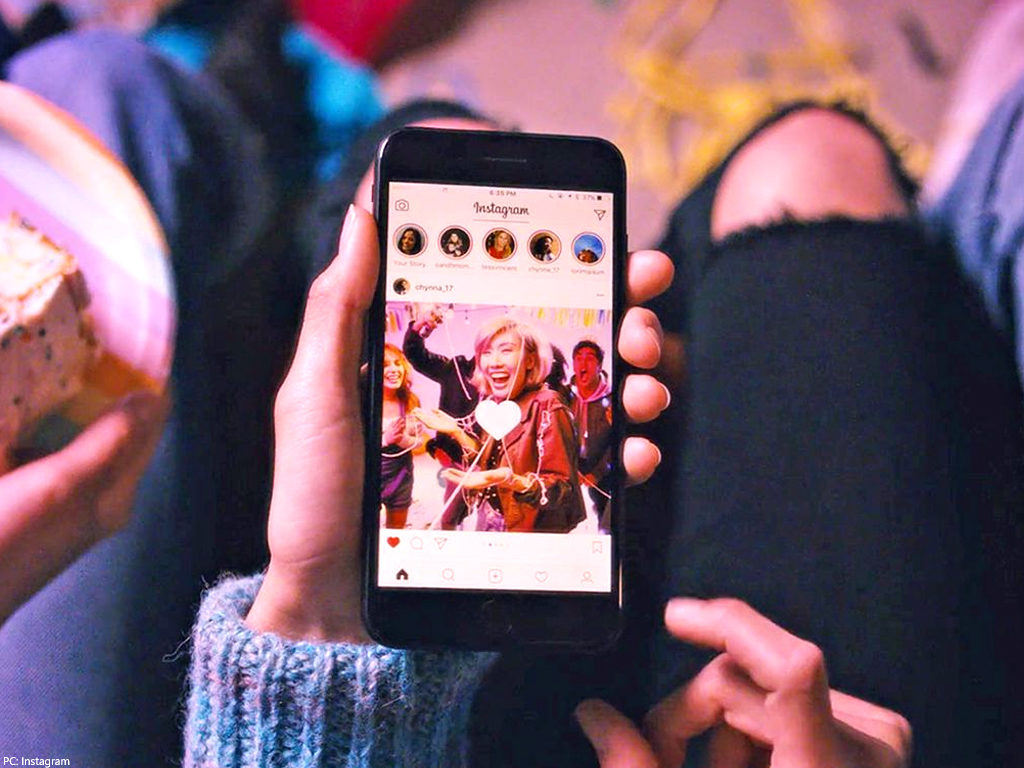
Instagram’s Hidden Likes Experiment: What You Need to Know
Instagram has become a haven for sharing photos and experiences, serving as a platform where many find their voice in the digital world. The number of likes on posts and photos often measures one’s Instagram reach. However, Instagram has started an experiment to hide likes on posts. This is now mandatory in:
- Canada
- Ireland
- Italy
- Japan
- Brazil
- Australia
- New Zealand
Users in these countries might already notice that likes on their posts are hidden from others by default.
Visibility of Your Likes
Despite this change, the likes you give are still visible to:
- Your followers
- The public (if your profile is public)
While many users are comfortable with this, some might prefer to hide the likes they give for various reasons, such as:
- Keeping their general interests private
- Preventing others from snooping on their activity
Steps to Hide Your Likes
While there are limited options to “hide” the likes you give out on Instagram, it’s important to note:
- Your likes will still be visible in some form.
- All actions on Instagram are visible on the activity feed of your followers.
Therefore, while you can take some measures to reduce visibility, complete anonymity regarding your likes is not possible under current Instagram settings.
Method #1: Like 8 posts after the like you want to hide –
the most common option is to cover a like with 8 more likes on other posts. For example, you don’t want your friends to know that you’re a KPop fan, but you are dying to show your favorite band your support. Simply like the post of your KPop idols, and then find 8 other posts that you’re okay with sharing with your friends.
Because the activity feed will only show the 8 latest actions (aka likes) you’ve made, the first like you made won’t be shown.
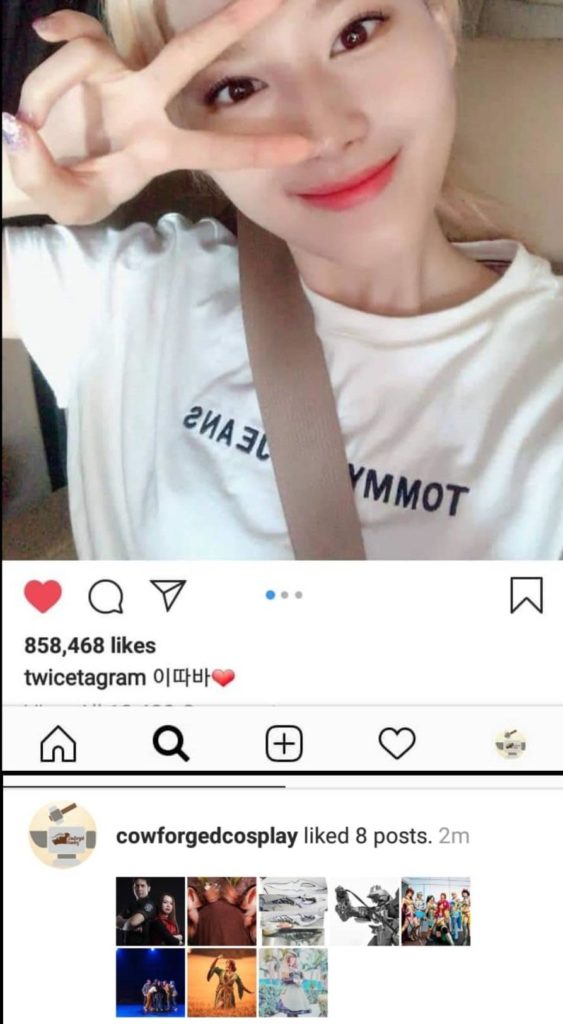
However, if you don’t do it fast enough within a time frame, your 1st like will have a notification of its own and will stick out like a sore thumb. So use with caution! But you can have a safety net by…
Option 2: Liking during off-times –
if you really want to hide your KPop obsession from your hard rock fan friends, but still want to send your support to your favorite KPop band, an option is to browse and like during off-times, aka, when all your friends are asleep. This way, even if you like a post and didn’t cover it up with 8 other likes, your activity should be buried underneath other activities on your friends’ activity feed. Now unless they go snooping deeply through their feed, and if you followed Option 1 on top of Option 2, your like should be well hidden!
But what happens if you stumble upon a post that you’re just dying to like, and feel like you might not find it again and just have to like it right now? Then bookmark it and save it for the off-time!
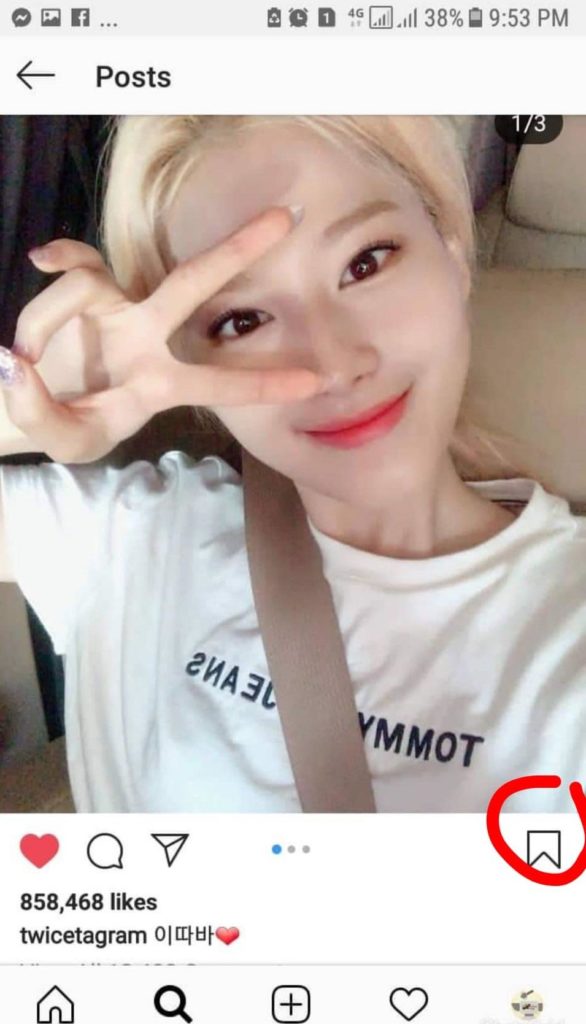
However, neither option removes or hides the actual like from the actual post, so someone can still see that you liked a certain picture if they manually go to, or stumble upon, the said post, and see for themselves.
So if you found out that a like on a certain post is bound to get you into deep water (aka the teasing of your friends about KPop), then the next option is…
Option 3: Manually unlike posts –
this option is a brute force method, one that requires you to check previous likes done on that day, and to undo them. It’s simple. Once you find the offending picture, tap the heart icon, and your like should be removed. Once removed, the notification that you liked the photo will be removed from the activity feed of your followers, and more importantly, your like is actually gone.
So even if your friends do find out that you liked a post of a certain Korean musical superstar, if you’ve unliked it before they go to check, then your like is not gonna be seen!
Now, if you feel like everyone who wants to give you a hard time for supporting the musical talents of a certain Asian peninsula seem to know exactly when you’re online browsing photos and humming to the music videos of your idols, waiting for the right time to rib you, it’s perhaps you’re broadcasting to the world that you’re spending hours on Instagram. So another option is to…
Option 4: Hide Your Activity Status –
this option is a general sweeping solution that does exactly what it says, hides your online status from your followers. To do this, go to your profile, tap the 3 lines on the upper right corner, tap the gear for settings, tap activity status, and turn it off.
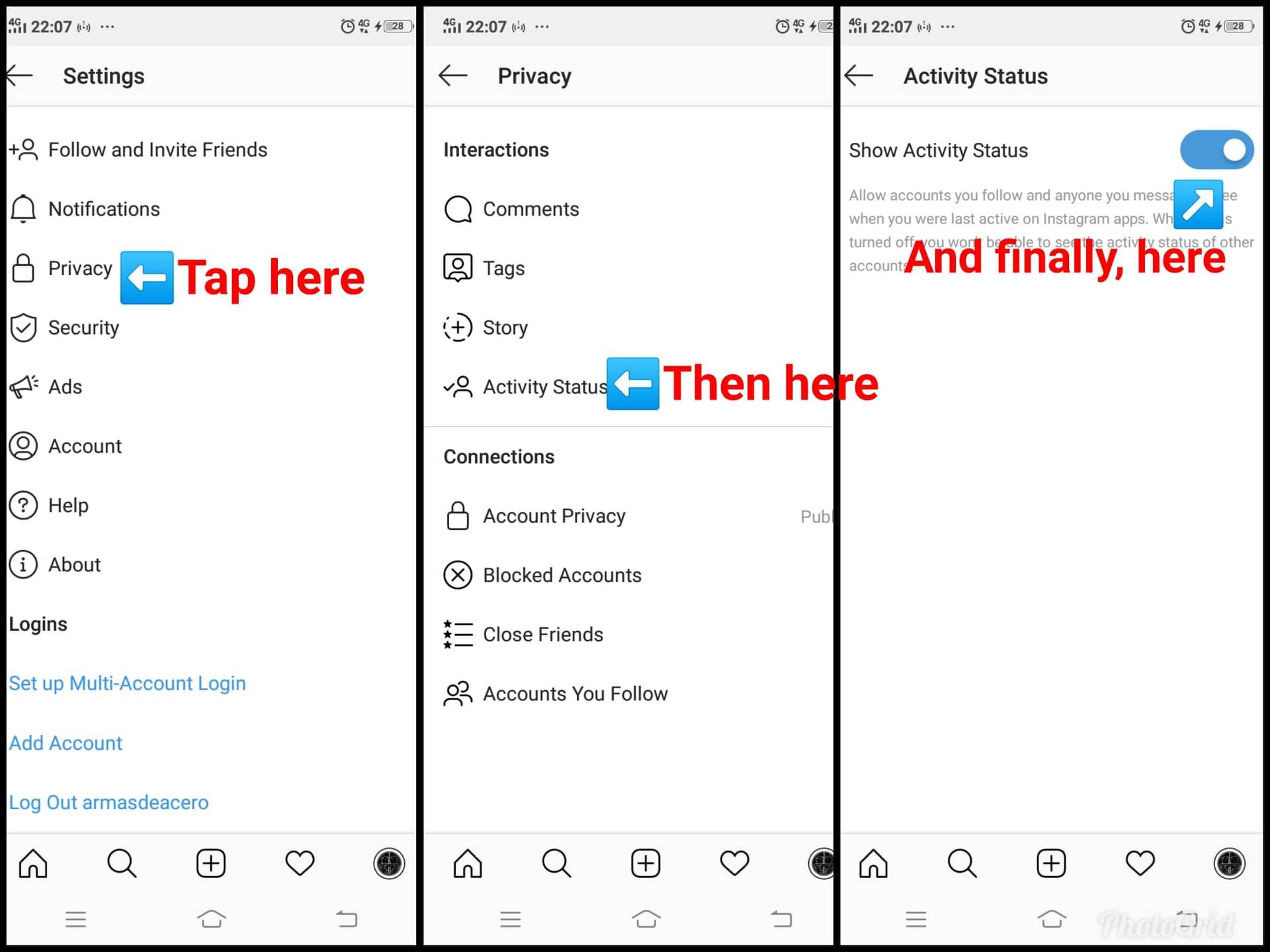
Now while this in itself won’t make your likes hidden, it will allow you to browse your feed in peace, so that noone can see that you’re on Instagram singing to your heart’s delight alongside your Korean idols. Be warned, however, that your actions will still be visible once you make one: a like, a comment, a follow. But if all else fails, and you’re so worried that everyone will know your KPop secret obsession, then the last resort would be to…
Option 5: Block Followers –
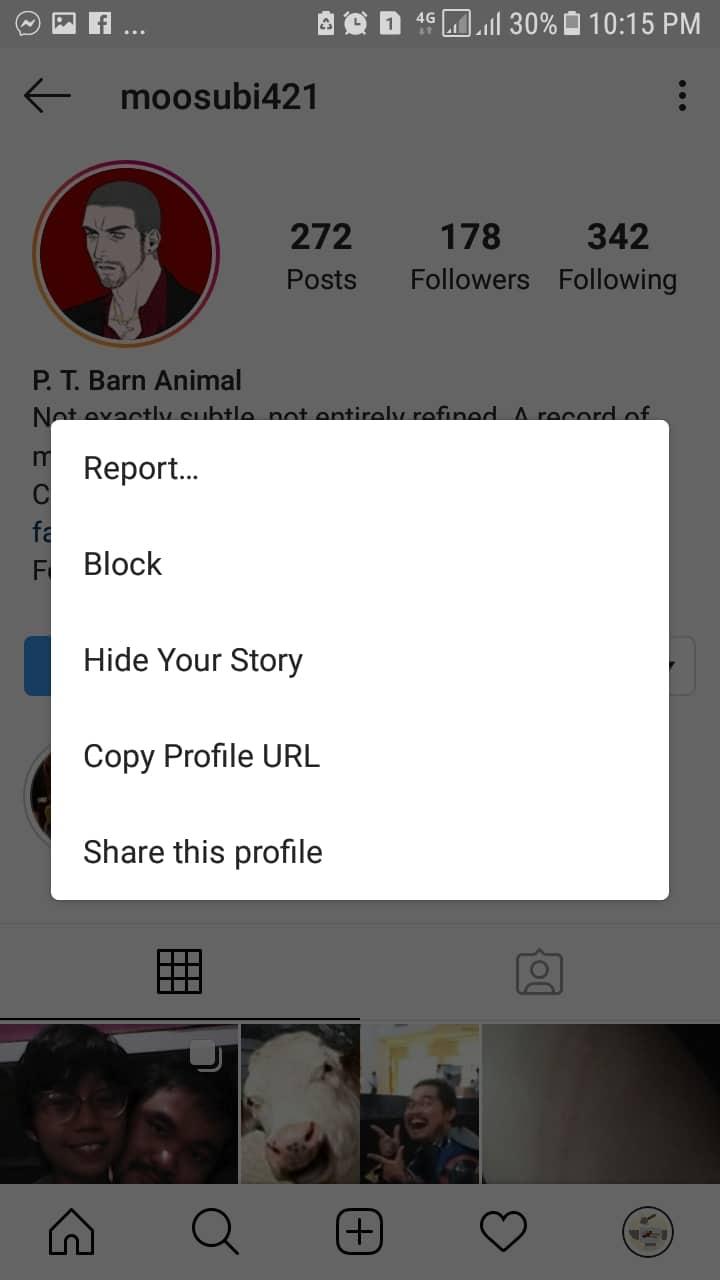
if some of your followers have pushed you to your absolute limit, then a last resort is to block those followers. To do this, simply go to their profile, tap the 3 dots on the upper right corner of the screen, and select the block option. What this does is cut all access of that follower to your activities and your posts, thus allowing you to finally be free to declare to the world your love for your idols.
Remember, there is absolutely no way to really hide your likes from your followers and other Instagram users. So your best bet is to be careful of what you like, be mindful of the content you follow, and finally: you can always unlike a post.
If you want more of your followers to like your own posts, build up ‘peer pressure’ for your posts by letting them know other people have liked your photos before them. How? Buy likes for photos you’d like to go viral.

BuzzVoice
BuzzVoice is the best place to go when you need instant engagement services on social media. Offering a wide variety of packages for Instagram, Youtube, Facebook, Twitter, Soundcloud & Tiktok.



