
How to tell if someone blocked you on Instagram?
If you are interested in knowing whether someone has blocked you on Instagram, there are two ways to check.
Method #1 – go to their profile from a browser
If you have a suspicion that someone blocked you, there is an easy way to check. Just look using your browser.
However, you should look for the said profile via the Instagram app first. Use browse or go through mutual followers.
If you can’t find a particular account in the search or via mutual followers, it can mean one of two things. The first possibility is that they’ve just changed their username. You should try and figure it out before settling on the idea of them blocking you.
The second possibility is that you were indeed blocked. If you weren’t able to find them via the search, you should try and do the following. To make sure whether you were blocked:
- Go to your PC or use a browser on a mobile device
- Log out from your Instagram on the browser or use private browsing window (incognito mode)
- Type in www.Instagram.com/*UsernameGoesHere*
- Click Enter
If it shows a regular profile, it means you were blocked.
If it shows a private profile, you might just have been removed as a follower after the user decided on going private.
An example of how it looks when a profile has blocked you
· The profile cannot be found using the explore or other features
· It will show that the user has no followers
· It will show that the user isn’t following anyone
· A banner saying ‘User Not Found’ may appear
· It shows ‘No Posts Yet’ in their profile gallery.
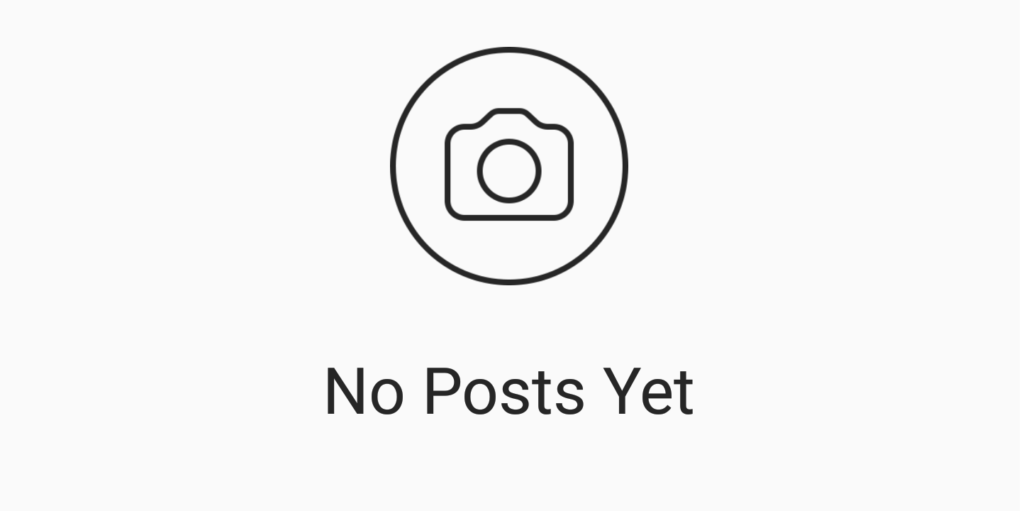
If someone has blocked you, you should see this image where their posts should be.
Method #2 – third-party apps
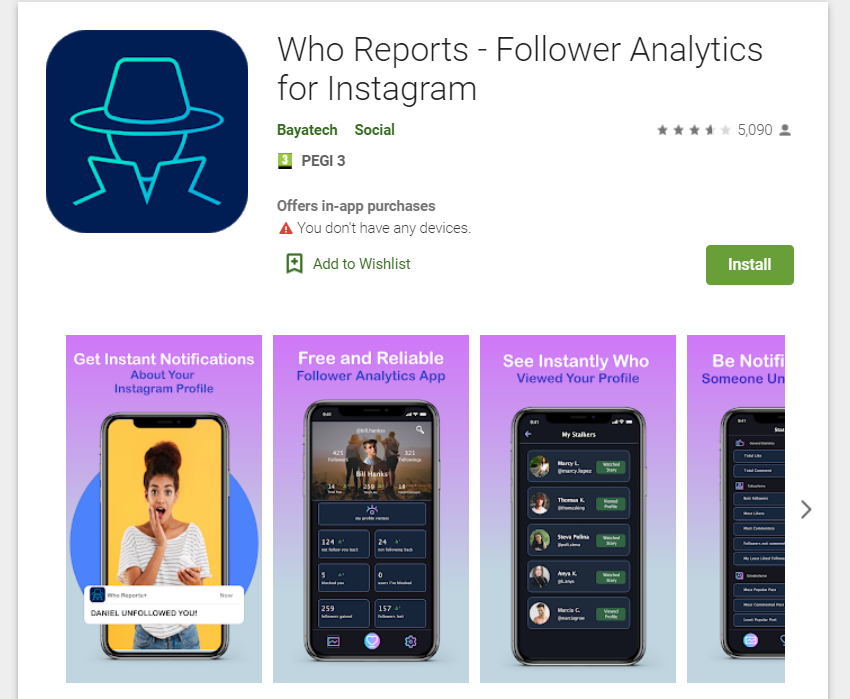
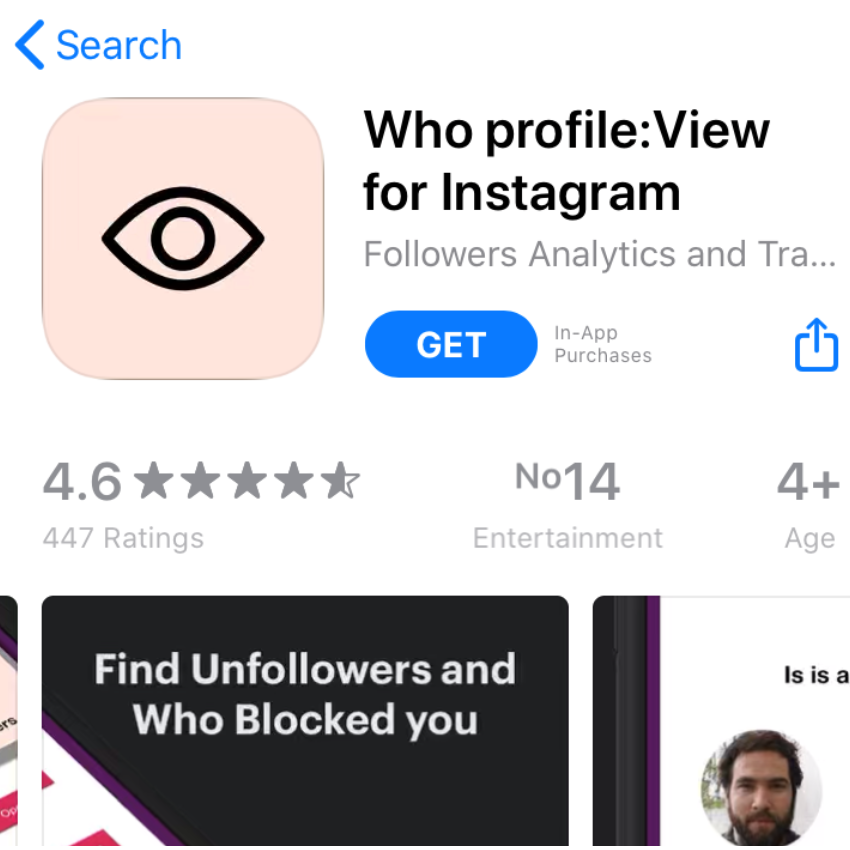
Apps like these can help you determine not just people who unfollowed you, but also a lot of the accounts that are blocking you. Please keep in mind that this is usually a pay-to-use feature. So, the apps themselves are usually free but if you want to find out who’s blockinjg you, you will probably have to pay.
Who Reports (Google Play Store)
Who profile: View for Instagram (Google Play Store)
What happens when you block someone?
If you decide to block someone, the blocked account will not see your content anymore. However, you will also stop seeing their posts as well so it really goes both ways. Here’s how to it looks like for you when you block other account on Instagram:
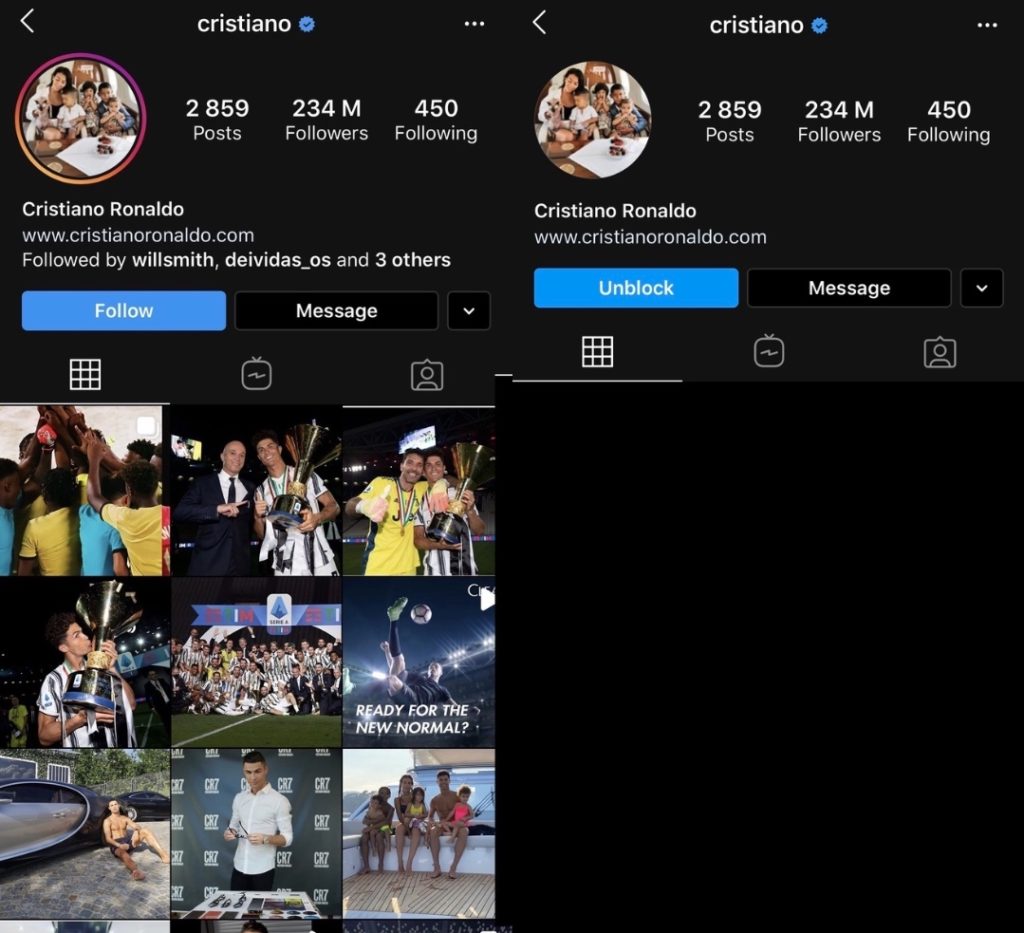
Keep in mind that other users aren’t notified about when and if you block them.

BuzzVoice
BuzzVoice is the best place to go when you need instant engagement services on social media. Offering a wide variety of packages for Instagram, Youtube, Facebook, Twitter, Soundcloud & Tiktok.



