Planning an event on Facebook? Using the right cover photo size is crucial for creating professional and eye-catching visuals. This article is the ultimate guide to Facebook event photo size, providing you with everything you need to know to optimize your event visuals.
If you want to create the best Facebook event and make a great impression, focus on optimizing your cover photo size and quality. Keep reading this guide to learn everything you need to know about the perfect Facebook event cover photo size.
Facebook events are a powerful way to promote and organize gatherings, conferences, meetups, and more. A well-designed event page boosts visibility and attendance. Incorporating your brand’s colors, logo, and style into your event visuals enhances recognition and credibility.
Using the correct Facebook event photo size and design elements helps create an eye-catching image that stands out in news feeds, clearly shows event details, and attracts attendees. For business events, a professional image and consistent branding build trust and draw more guests. A compelling event description paired with a high-quality image is key to a successful event!
Recommended Facebook Event Cover Photo Size for 2026
To ensure your Facebook event page cover photo displays correctly on all devices, use the following specifications:
Element
Recommendation
Dimensions
1200 x 628 pixels minimum
Aspect Ratio
1.91:1
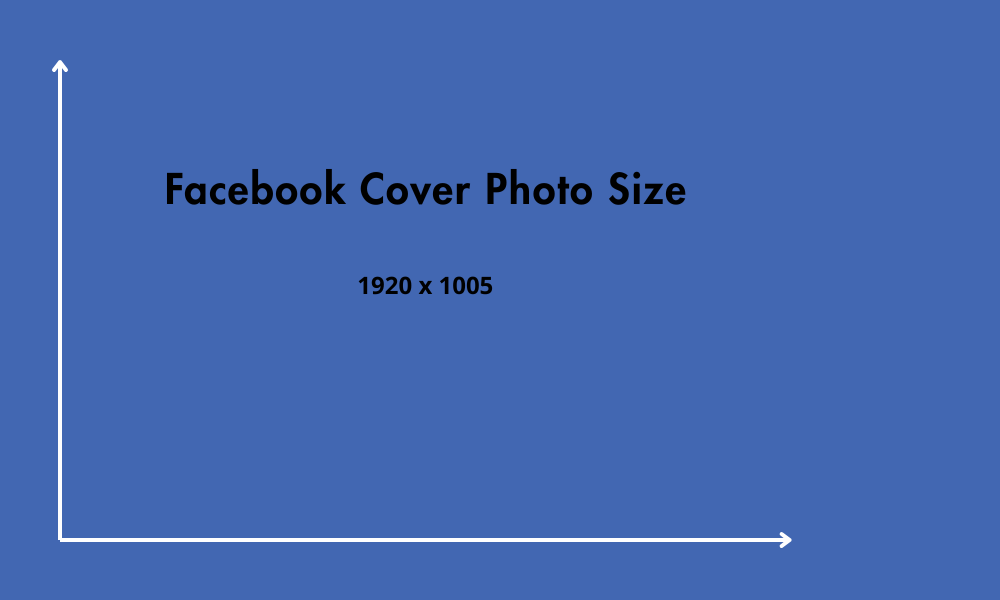
Some experts recommend using 1920 x 1005 pixels as the ideal Facebook event cover photo size for the best results across all devices.
These dimensions guarantee optimized viewing across both mobile and desktop devices. It is important to use the correct dimensions to avoid cropping or quality loss. If your Facebook event photo size is smaller than 1200 pixels wide, Facebook may enlarge it, which can lead to a loss in quality. Additionally, if your image is too wide or too tall, Facebook may crop it to fit the required dimensions. That’s why your Facebook event banner photo must be exactly 1200 x 628 pixels.
When you decide on the right image size, always consider Facebook’s requirements and how image size and image sizes affect display quality. Optimizing your cover photo for different screen sizes, especially for mobile and desktop, ensures your event looks professional everywhere. For more guidance, refer to Facebook image sizes as a resource to make sure your visuals are fully optimized for the platform.
Mobile vs. Desktop Display
Facebook adjusts how event cover photos are displayed depending on the device:
Desktop: The image displays at 1200 x 628 pixels, with automatic gradients on the sides.
Mobile: The image is resized to fit the screen and may be cropped on the sides. Facebook scales event cover photos automatically to fit different devices, so it’s important to keep key elements centered to ensure they are not cut off.
Safe zones to keep text and logos visible
To make sure important elements of your image aren’t cut off, keep them centered and within the safe zone. Always keep your logo within the safe zone to ensure it is visible across all placements. Avoid placing text or key visuals along the edges of the image. For best results, use minimal text in your cover image to maintain clarity and maximize visual impact.
Tips for a responsive image design
A good practice is to use a safe zone of 560 x 208 pixels in the center to ensure that key elements aren’t cropped on mobile devices. Well-designed event banners that keep important details within this safe zone are more likely to attract attention and communicate event details effectively.
File Format, Size, and Quality Tips
When preparing the perfect image for your Facebook event cover, it’s not enough to just think about the dimensions. It’s equally important to consider the file format, size, and overall quality of the image—after all, a good visual presentation can be the key to attracting more attendees. Make sure to upload high-quality, correctly-sized images to Facebook to ensure your event cover displays well across all devices.
Here are some essential guidelines:
JPEG vs. PNG
Facebook supports a variety of image formats, but the most suitable ones are JPEG and PNG.
The JPEG format is great for photographs and images with lots of details or color gradients. It offers good quality with a relatively small file size.
On the other hand, PNG is better for images with text, logos, or transparent backgrounds. It preserves the sharpness of lines and solid colors, though it may result in slightly larger files. Additionally, consider using high-quality stock photos to enhance the visual appeal of your event cover. You can also customize stock photos or templates by adjusting colors and elements to better match your brand identity.
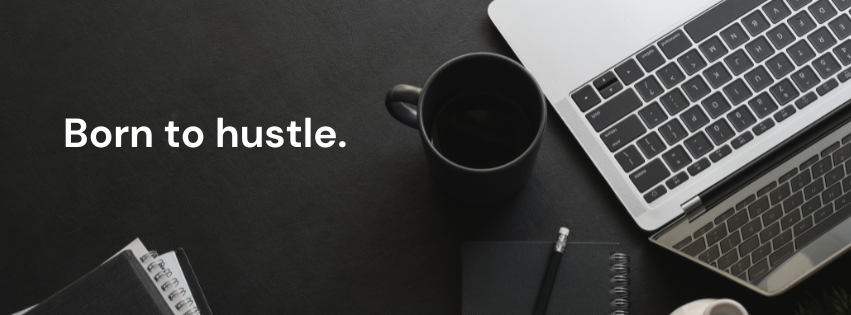
Example of a Facebook cover
Max file size
While Facebook allows larger file uploads, the official recommendation is that the image file should not exceed 100 KB. This helps to ensure that:
The image loads quickly, even on slower connections.
The user experience, especially on mobile devices, is not compromised.
Facebook’s algorithm does not overly compress the image, which could affect the visual quality.
Resolution for best results
To ensure your image appears clear, sharp, and professional:
Use the highest resolution possible within the file size limit.
Avoid resizing small images to make them larger — this often results in quality loss and pixelation.
Make sure the DPI (dots per inch) is set between 72 and 96, which is ideal for screen display.
Design Best Practices
To create an attractive and effective event cover image:
Keep text minimal and readable
Use large, readable fonts and avoid overcrowding the image with information.
Use branding colors and consistent styles
Maintain a color palette consistent with your event or brand’s visual identity.
Essential information
Include the event’s date, time, and location, if possible.
Add date/time or CTA if relevant
Add a clear CTA, such as “Join now” or “Learn more.”
For business pages, consistent branding and professional event cover designs can enhance credibility and engagement.
Remember, simplicity often leads to a greater visual impact.
Tools to Create a Facebook Event Cover Photo
Creating the Perfect Cover Photo for Your Facebook Event can be easy and fast with the right tools. These tools make it simple to design a cover photo when setting up a new event, and you can use high-quality stock photos to create visually appealing covers. Here are some of the best options:
Canva
Canva is a top choice for many, offering ease and convenience. It offers customizable templates for Facebook events, allowing you to quickly add text, images, and graphics. It’s easy to use, and the free version already provides many options.
Adobe Express
Adobe Express (formerly Adobe Spark) is ideal for those wanting a more sophisticated design. It offers a wide range of templates created by professional designers and allows you to add animations and short videos.
Snappa
Snappa is perfect for those with no graphic design experience. With templates specifically for Facebook events, it makes creating images quick and easy.
Capcut
Although CapCut is more focused on video, it’s also a great option for creating animated covers.
These platforms offer optimized templates to ensure your image has the right size and a professional look.
When creating your event cover photo, it’s essential to be mindful of certain mistakes that could negatively impact the effectiveness of your design. Here are some of the most common ones:
Uploading low-resolution images
Using images that are low in resolution can make your cover photo look blurry or pixelated, especially on larger screens. It’s crucial to select high-quality images that will maintain their sharpness and clarity across all devices.
Placing important info outside safe zones
On mobile devices, certain parts of your cover photo may get cropped, particularly at the edges. This means that important details, such as event times, dates, or locations, might not be visible to some viewers. To avoid this, make sure your critical information is placed within the “safe zone“.
Using too much text or cluttered visuals
Although it may be tempting to add all the details, excessive text can overwhelm the viewer and make your cover photo appear cluttered. Focus on the essentials and keep the text concise, clear, and easy to read.
Don’t forget to include all essential event details and visual elements in your cover photo
A chaotic design can confuse or distract the viewer, making it harder for them to focus on the important details of your event.
Remember, a simple, well-structured design is often more effective in conveying your event’s message clearly and professionally. By focusing on clarity, consistency, and balance, you’ll create a cover photo that engages your audience and leaves a lasting impression.
Final Tips for Standing Out in 2026
Align the cover photo with the event theme
Make sure the chosen image truly reflects the purpose and tone of the event. Whether it’s a professional conference, a music festival, or a social gathering, your cover photo should instantly convey the atmosphere you wish to create.
A/B test visuals for boosting the event
If your goal is to promote the event and boost engagement, don’t hesitate to test various image options. Swap between different styles, colors, and visual elements to see which one grabs the audience’s attention.
Update your image as event info evolves
As the event draws closer or new details arise, make sure to keep your cover photo updated to reflect those changes. Keeping your event cover photo updated helps keep guests informed and engaged, ensuring they always have the latest details. If there are updates to the time, location, or schedule, it’s important to ensure participants always have access to the correct information. Managing your guest list and using the cover photo to communicate updates is essential for setting expectations and building anticipation among your guests.
Encourage people to invite others to the event by using your cover photo and event page to highlight key details and generate excitement. A well-managed invite list and engaging visuals can help increase event visibility and participation.
A well-designed cover photo can significantly increase interest and participation in your event. Remember, the cover photo is not just a decorative feature for your event page but a strategic marketing tool.
FAQ
What’s the recommended size for a Facebook event cover photo?
The ideal size for a Facebook event cover photo is 1200 x 628 pixels, with a 1.91:1 aspect ratio. These dimensions ensure that your image will be displayed clearly and sharply on both mobile devices and desktops. It is important to follow these specifications so Facebook adjusts the image properly, avoiding distortion or unwanted cropping.
Additionally, these optimized dimensions provide a great visual presentation, offering a better user experience for those viewing your event.
Is it possible to use the same cover photo for both desktop and mobile?
Yes, you can use the same cover photo for both desktop and mobile, but there are some things to consider. It’s crucial to keep the content centered on mobile devices to ensure that the main elements of your image aren’t cropped.
Facebook adjusts how the photo event page is displayed depending on the device, which means that on mobile, the image may be resized and cropped on the sides.
What’s the best file format for the cover photo?
The most recommended file formats for a Facebook event cover photo are JPEG and PNG. JPEG is ideal for photographs and images with a lot of detail or color gradients, and PNG is the best choice for images containing text, logos, or elements with a transparent background. Both formats ensure visual quality and are widely compatible with the platform, allowing for quick image loading without compromising their appearance.
Why is it crucial to use the services of Buzzvoice?
Using Buzzvoice’s services can make a significant difference in your event’s success. Buzzvoice offers specialized tools and strategies that help increase your event’s visibility and engagement on Facebook.
By leveraging their expertise in optimizing event marketing, you ensure that your cover photo, as well as other event content, reaches the right audience, is optimized for better interaction, and stands out in a crowded digital space. Their services are designed to help you maximize reach and participation, making your event more successful and memorable.
BuzzVoice
BuzzVoice is the best place to go when you need instant engagement services on social media. Offering a wide variety of packages for Instagram, Youtube, Facebook, Twitter, Soundcloud & Tiktok.