What Does ‘RSVP’ Mean? Wedding, Party, and Social Media Examples
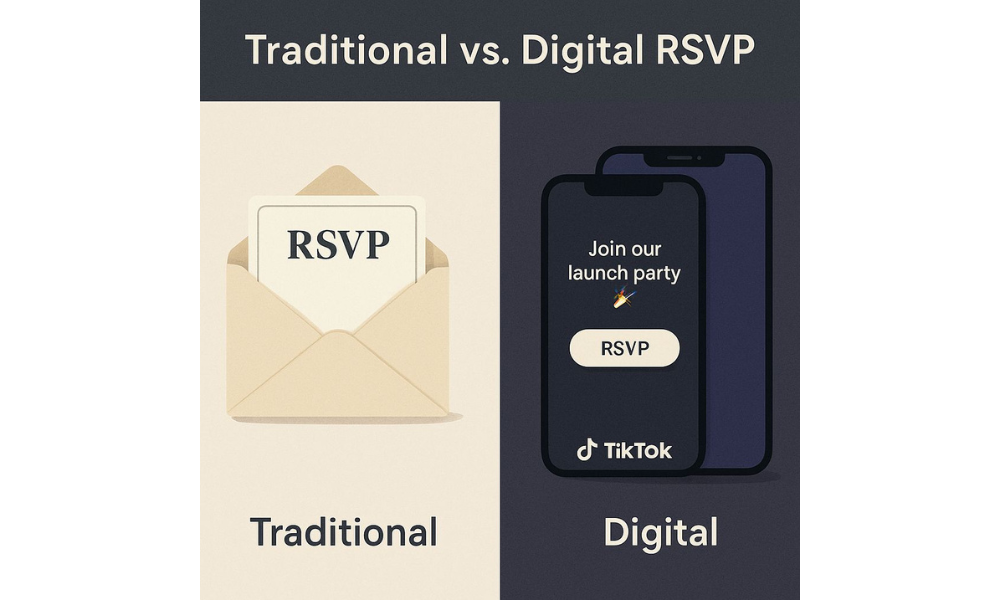
RSVP comes from the French “Répondez s’il vous plaît” (“Please respond”) — but in today’s digital world, it’s more than just saying yes or no. On social media in 2026, RSVP can mean:
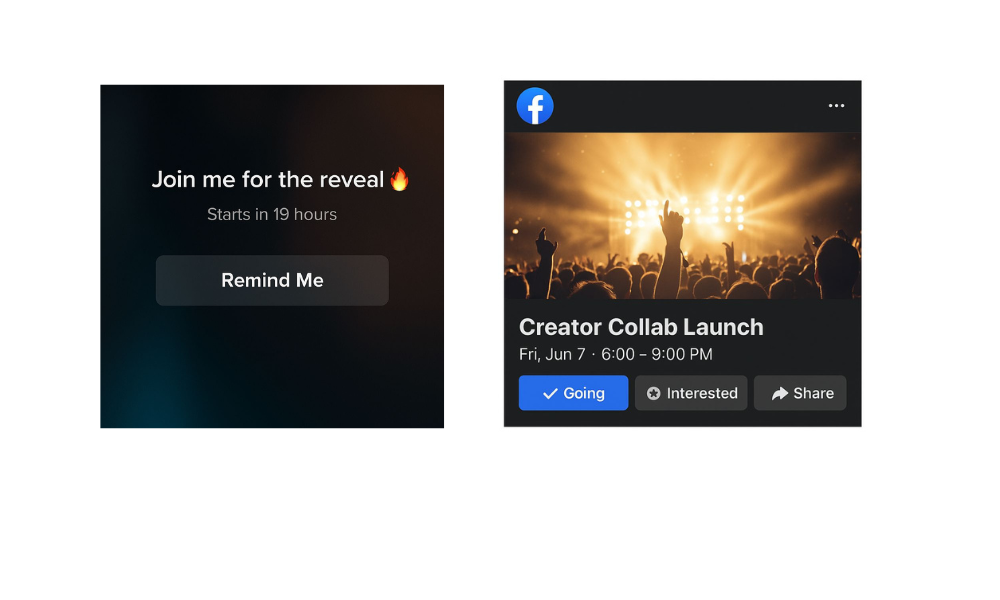
- Confirm attendance — tapping “Going” on a Facebook event for a creator launch or LinkedIn webinar.
- Show interest — hitting “Remind Me” on a TikTok Live countdown or “Interested” on a Facebook party page.
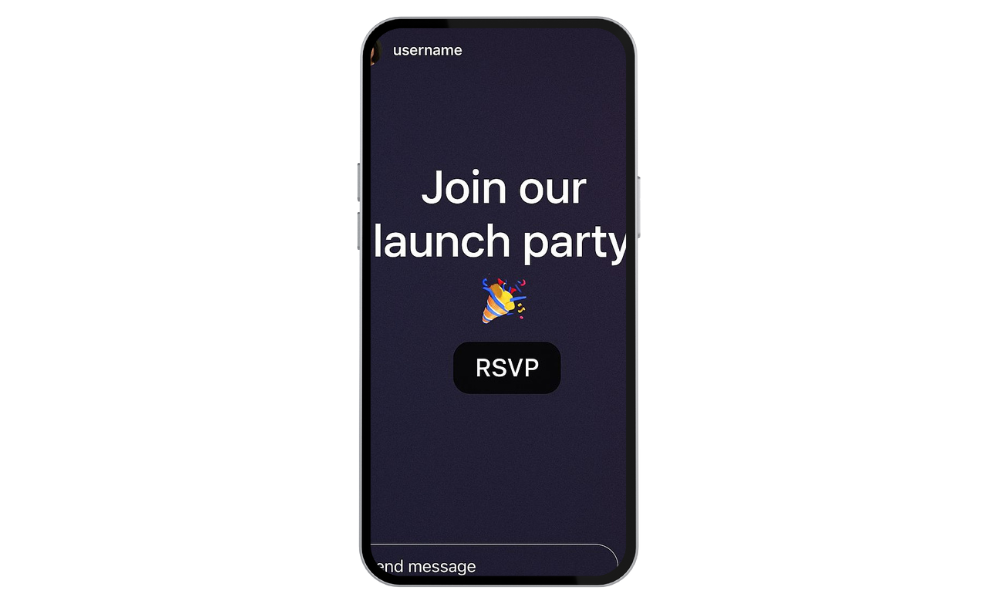
- Engage with content — replying to an Instagram Story RSVP sticker with “I’m in!” or dropping a 🎉 emoji in the comments.
- Claim exclusive access — filling out a quick Google Form from a “RSVP in bio” link for a product drop or giveaway.
- Help hosts plan — responding to a WhatsApp group message like “RSVP if you’re bringing a plus one” for a meetup.
- Signal commitment — DM’ing “Count me in” to join a creator collab or scheduled Zoom session.
From wedding invites to Instagram Stories, RSVP has become a one-tap way to connect, commit, and keep events running smoothly.
Once tied to fancy event invites, it’s now everywhere from Instagram Stories to TikTok Lives, Facebook events, and even LinkedIn meetups. For content creators, it’s more than confirming attendance; it’s about boosting engagement, creating urgency, and keeping digital events organized.
Planning an Instagram event? Use the RSVP sticker in your Story and boost reach with real Instagram Likes from BuzzVoice. Going live on TikTok? Combine your event promo with TikTok Followers or YouTube Views from BuzzVoice to make sure your audience shows up.
RSVP Full Meaning: How It’s Used in Social Media in 2026
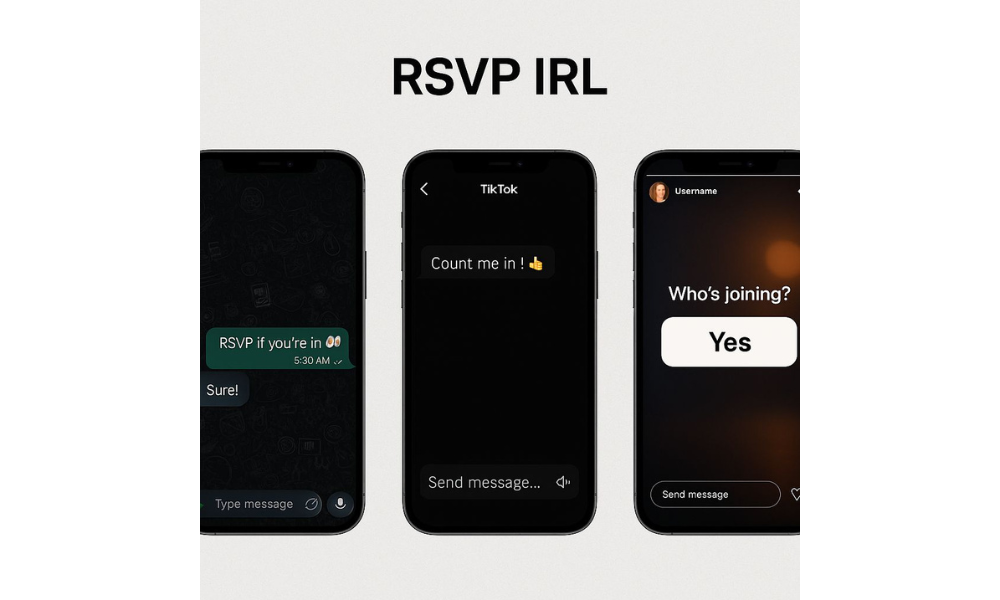
In 2026, RSVP isn’t just for wedding invites or formal events – it’s become a key part of how creators organize and promote everything from product drops to community meetups. Each platform has its style: Instagram uses interactive stickers in Stories, TikTok offers built-in “Remind Me” buttons for Lives, and even WhatsApp or DMs are home to casual invites like “RSVP if you’re in 👀”.
Below is a quick overview of how RSVP features show up across today’s top platforms:
| Platform | How RSVP Is Used |
|---|---|
| RSVP stickers in Stories for launches, collabs, or event invites. | |
| TikTok | “Remind Me” buttons on scheduled Lives and creator events. |
| Familiar RSVP buttons like “Going” or “Interested” still show up on Facebook event pages – whether it’s a private party or a public creator launch. | |
| RSVP tools used in professional networking and webinars. | |
| WhatsApp / DMs | Casual invites: “RSVP if you’re in” for collabs, giveaways, or community drops. |
Replying to RSVP prompts is typically done with a single tap or quick comment on most platforms, making it easy for users to confirm attendance and for hosts to track responses.
Introduction to RSVP in the Digital Age
With invitations now sent through everything from Instagram DMs to event pages on Facebook, understanding modern RSVP etiquette is more crucial than ever. Whether you’re hosting a virtual event or receiving an online invitation, knowing how and when to respond shows respect for the host and helps with planning.
RSVP online tools make it easy for guests to confirm attendance, update their status, or ask questions, all with just a few clicks. As digital invitations become the norm, responding promptly to RSVPs isn’t just polite; it’s essential for smooth event organization and a positive experience for everyone involved.
Related: What does restrict mean on Instagram
Creative Ways Creators Use RSVP on Social Media
RSVP isn’t just practical, it’s creative fuel:
- Exclusive launches: “RSVP via link in bio to join our VIP Zoom.” (Be sure to mention RSVP deadlines or links in your post for clarity.)
- Emoji engagement posts: “Drop a 🎉 to RSVP!”
- Giveaway access: “Want early access? RSVP in the comments 👀”
- Collab calls: “Creators needed! DM to RSVP for our next drop.”

- Direct ask: “Friends, you’re all asked to RSVP by Friday—let us know if you’re coming!”
Creators often ask friends and followers to RSVP to boost event visibility and ensure everyone has time to respond.
Want to boost participation? Pair your CTA with Instagram Likes or TikTok Views from BuzzVoice for real visibility.
RSVP Etiquette for Creators and Followers
| Situation | What To Do |
|---|---|
| You’re invited to a Live | Tap “Remind Me” or reply directly in a Story or comment. Providing a clear answer to the RSVP is essential for smooth event planning and serves as confirmation of whether you will attend or not. |
| You’re hosting the event | Set a clear RSVP deadline and method (sticker, DM, link, comment). Remind guests that showing respect for the host means responding promptly and clearly. |
| It’s a digital-only invite | Clarify if RSVP is mandatory or just to gauge interest. If you cannot attend, it’s important to send your regrets as soon as possible. |
| You’re sending the invite | Use a clear CTA like “RSVP now to join!” with a deadline or incentive. Make it easy for guests to communicate their acceptance or regrets, as both help you plan effectively. |
Note: Not replying to an RSVP is considered rude and can cause issues for the host.
Why RSVP Still Matters in a Fast-Paced Digital World
Even in an age of instant replies and short attention spans, RSVP is still important especially for creators. Here’s why:
Builds trust: Shows your audience you’re organized and respectful of their time.
Pro tip: Buy Instagram Reposts to get more visibility on your Instagram reels!
Helps with planning: Accurate RSVPs help hosts determine the headcount, making it easier to arrange catering, seating, and other logistics for the event. This is crucial for any celebration or special occasion, not just formal events.
Acknowledges effort: RSVP’ing shows appreciation for the effort that hosts put into organizing the occasion and helps ensure their hard work leads to a successful gathering.
Creates urgency: A clear RSVP deadline triggers FOMO and faster reactions.
Adds structure: Makes collaborations feel more professional and reliable.
Related: SYBAU meaning
Visual Example: RSVP in Real Life (IRL) with Wedding Invitations
Anticipating RSVP in Creator Workflows
RSVP isn’t just a checkbox – it’s a signal of intent and commitment.
Whether it’s a Zoom drop, an Instagram Live, or a TikTok collab, using RSVP the right way helps you:
Filter serious participants
Get better event performance
Align expectations ahead of time
Event Planning and Organization for Social Media Events
Planning an event on social media means juggling multiple details, and managing RSVPs is at the heart of it all. As a host, it’s important to set a clear RSVP deadline and outline exactly how guests should respond, whether that’s through a comment, a direct message, or a dedicated event page.
Tracking RSVPs in real time lets you adjust seating arrangements, food orders, and other logistics as the date approaches. Social media also makes it easy to send updates or reminders, keeping your guest list informed and engaged.
Communication and Reminders: Keeping Your Audience Engaged
Keeping your audience engaged throughout the planning process is key to a successful event. Use social media to send timely reminders, share updates, and ask important questions like meal preferences or whether guests plan to bring a plus one.
This ongoing communication not only helps you gather the information you need for planning, but also builds excitement and ensures everyone feels included.
Personalized reminders via email or messaging apps can further boost response rates and help guests remember important details. By staying proactive and keeping the lines of communication open, you’ll ensure your RSVPs are accurate and your event goes off without a hitch.
Handling Changes and Cancellations in Real Time
In the fast-paced world of social media events, last-minute changes and cancellations are almost inevitable. Practicing good RSVP etiquette means being prepared to respond quickly and respectfully when plans shift.
As a host, use your event page or group chat to update guests about any changes to seating arrangements, food, or other key details. Online tools make it easy to track RSVPs and adjust your plans in real time, ensuring that everyone stays informed and that the event runs smoothly. Always show respect by communicating openly and promptly, and encourage guests to do the same if their plans change.
Conclusion
RSVP may have old-school roots, but in 2026 it’s more relevant than ever. If you’re launching a new product, hosting a live or planning a collab shoot – setting up an RSVP system will save you time, boost attendance, and improve your content strategy.
And if you want more eyes on your invites, BuzzVoice is your go-to platform to grow with real reach, whether it’s through buying Instagram Likes, getting more TikTok Followers, or amplifying your reach on YouTube.
FAQs
What does RSVP mean on Instagram stories?
RSVP on Instagram Stories means the creator is asking you to confirm if you’re joining an event, launch, or collab. It usually shows up as an interactive sticker or a prompt to reply directly. Think of it as a digital count me in.
How do I RSVP on TikTok?
You can RSVP to TikTok Lives by tapping the “Remind Me” button on scheduled events. Sometimes creators will ask you to comment or share if you’re interested in participating. Always check the caption for clear instructions.

BuzzVoice
BuzzVoice is the best place to go when you need instant engagement services on social media. Offering a wide variety of packages for Instagram, Youtube, Facebook, Twitter, Soundcloud & Tiktok.